
Your rebrand isn't finished when the logo changes.
Every page, doc, and email written before the rebrand still speaks in the old voice. Markup AI finds them, scores them against your new standards, and rewrites what falls short.
THE PROBLEM
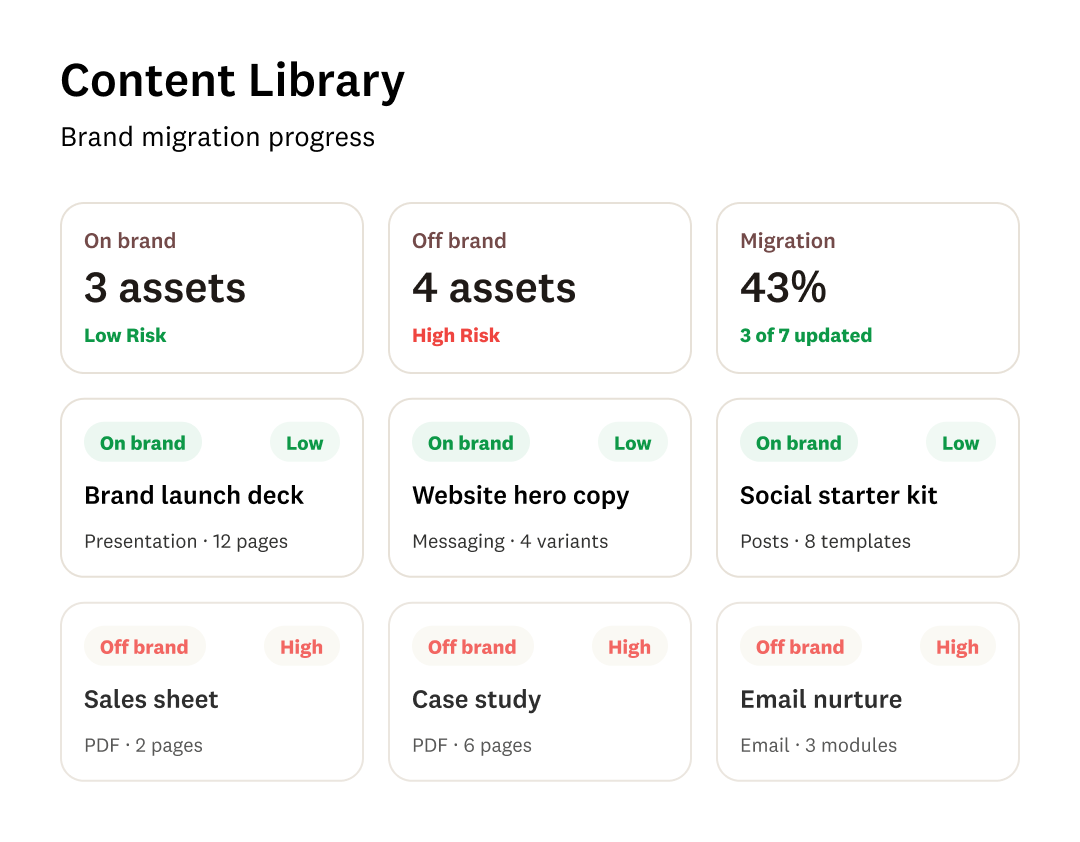
A rebrand launches in a day. Your content adopts it over the next year.
The launch date is the easy part. What follows is the slow, unglamorous work of reconciling everything you've ever published with a brand that changed overnight, and most teams start that work with no idea how big it is.

The backlog is always bigger than the estimate
Old product names and retired positioning don't live in one place. They're in blog archives, help articles, API docs, email templates, UI strings, sales decks, and PDFs that someone published three years ago and nobody has opened since.

Nobody can say what's actually out of compliance
There's no inventory and no score. Teams check the top 50 pages, fix what they find, and declare the rebrand complete while the rest of the library quietly contradicts it.

The new brand arrives as a document nobody reads
New guidelines land as a deck or a PDF. Writers, contractors, and agencies keep producing in the voice they already know, because nothing in their workflow tells them they've drifted.

Two brands run side by side for months
A prospect reads the new positioning on the homepage, then hits a support article using the old product name. Mixed signals arrive exactly when you most need people to understand who you are now.

Mergers double everything
When a rebrand follows an acquisition, you're reconciling two voices, two terminology sets, and two sets of legal and regulatory language into one standard — across two content libraries that were never built to agree.

Search and AI answers keep serving the old brand
Indexed content is what gets cited. Until the archive reflects the new naming, answer engines keep surfacing the old one, and every stale page you leave up extends the life of a brand you retired.

LLMs regenerate the brand you just replaced
AI drafting tools pull from your existing content and whatever context they're handed. Feed an LLM your pre-rebrand material and it will faithfully reproduce the old names, the old claims, and the old voice — at volume.
THE GAP
You can approve a new brand. You can't verify it's been applied.
Every rebrand has a sign-off process for the guidelines. Almost none has one for the content those guidelines are supposed to govern.
What manual rollout costs
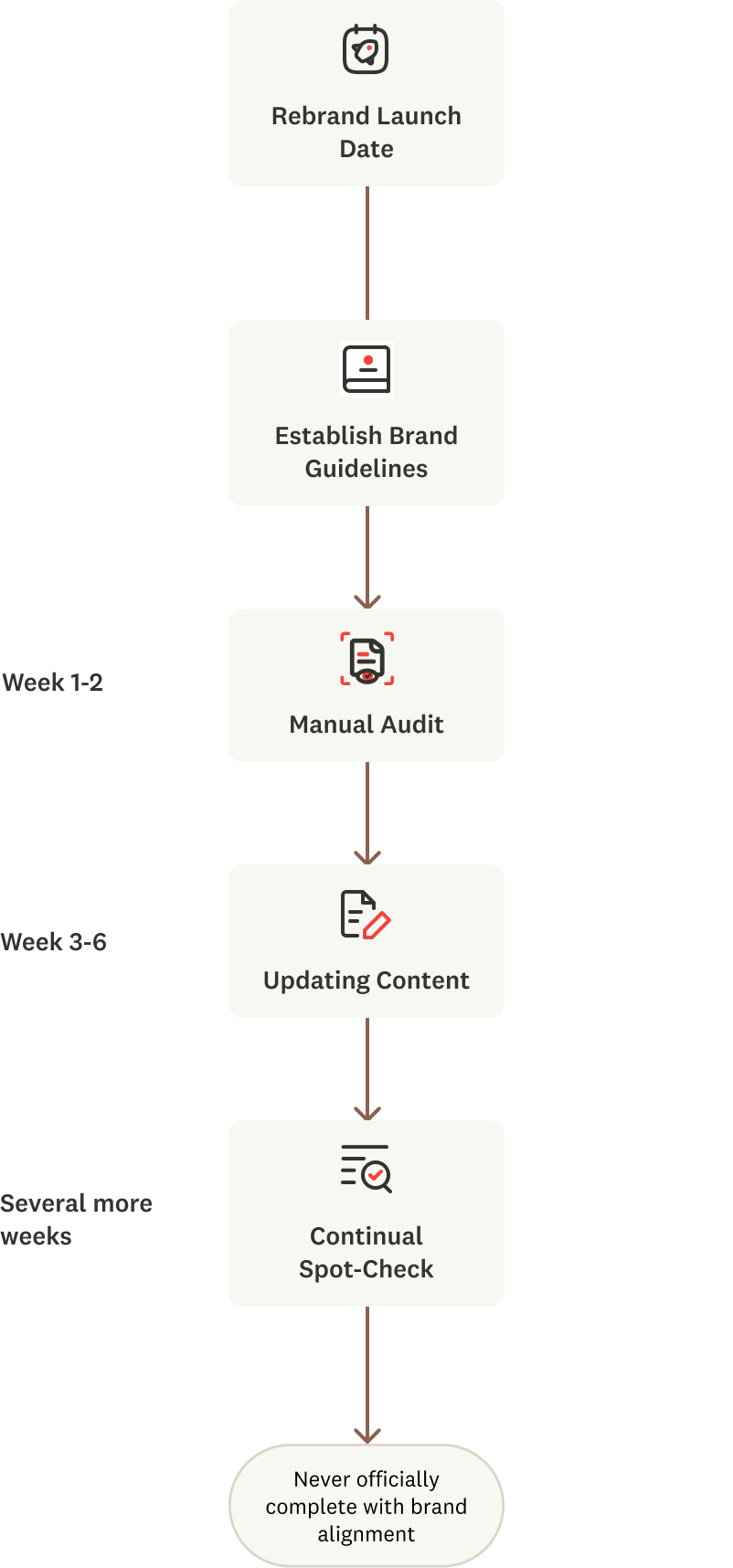
A person opens an asset, compares it to a document, decides whether it's close enough, and edits. Multiply by every asset you've ever published, add the pieces nobody remembers exist, and add the drift that starts the moment the audit ends.
What an enforceable standard saves
One definition of the new brand, applied to the archive and to every new draft at the same time. Coverage stops depending on who remembered which page, and progress becomes something you can report rather than estimate.
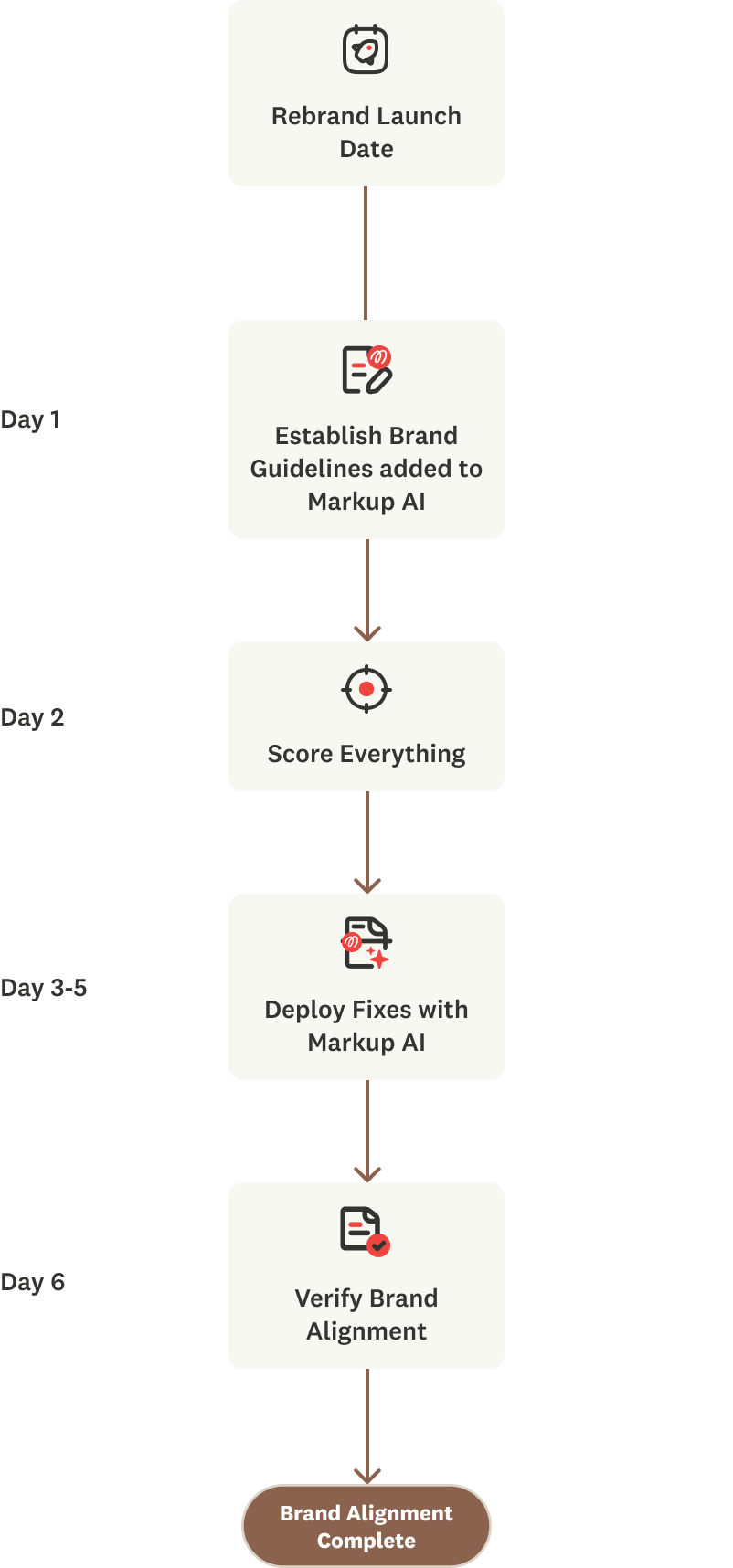
The reason teams work manually isn't preference. It's that brand compliance has never been measurable. Most tooling handles this by putting the new brand guide into a prompt and trusting the output — Markup AI checks the content against the standard independently, so adoption is verified rather than assumed.
THE SOLUTION
Turn your new brand into a standard content can be measured against.
Markup AI takes your new terminology, voice, and messaging and makes them enforceable. Content Guardian Agents℠ scan your existing library and every new draft against that standard, score what they find, and rewrite what doesn't meet it — so the rebrand reaches the long tail, not just the pages someone remembered.
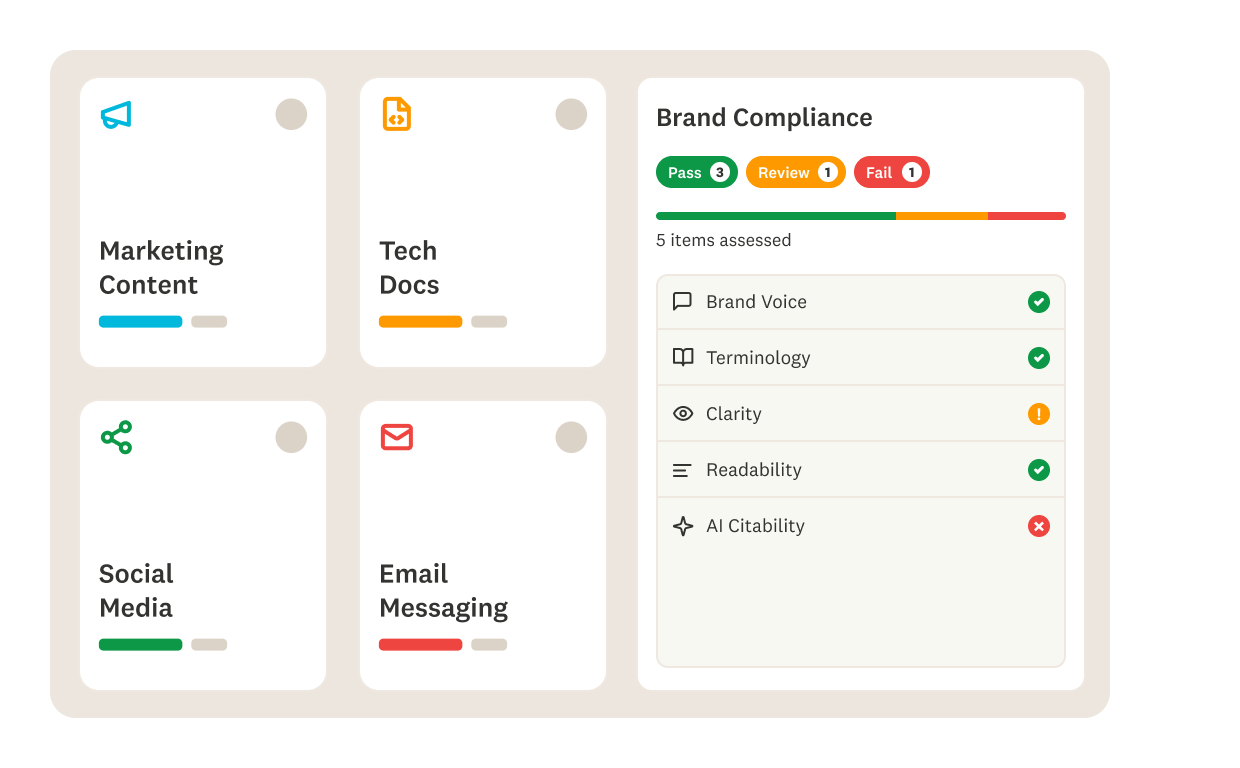
A score for content you've already published
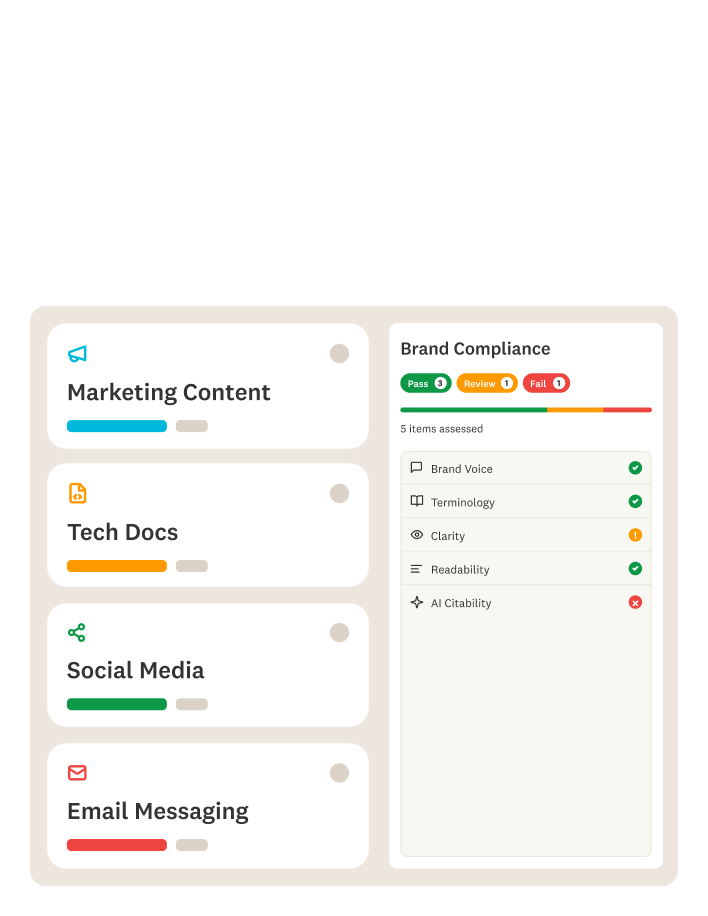
Scan the archive at scale and get a compliance score per asset instead of a guess. Sort by severity, traffic, or business impact, and work the backlog in the order that matters rather than the order someone happened to find it.
Deprecated terms retired everywhere at once
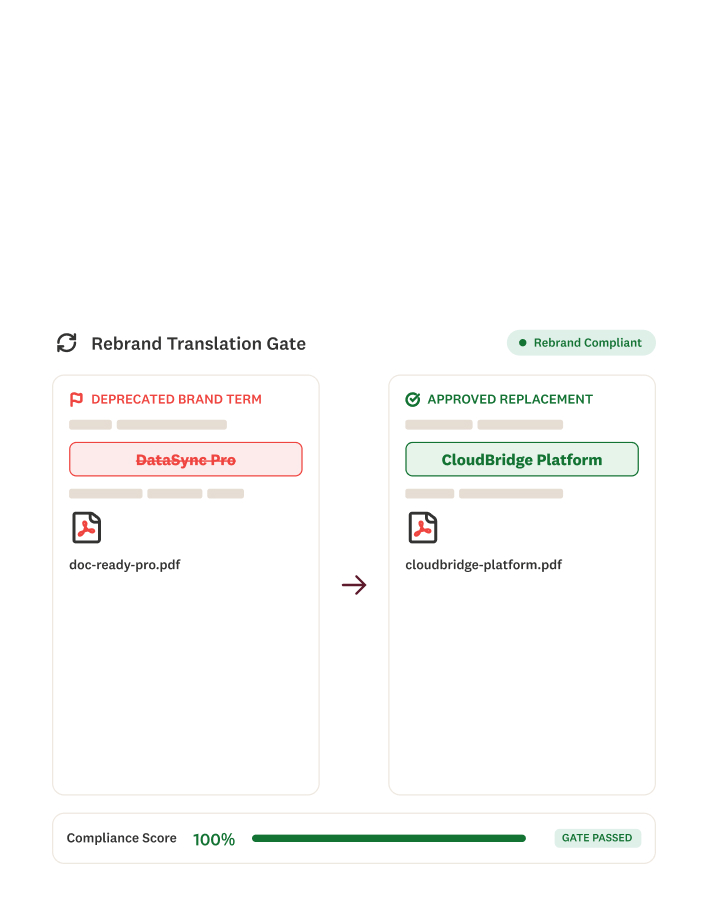
Define the old product names, retired taglines, and legacy positioning as deprecated, and set the approved replacements. Every writer, contractor, and AI draft picks up the change immediately — no reissued PDF, no reminder email, no waiting for people to notice.
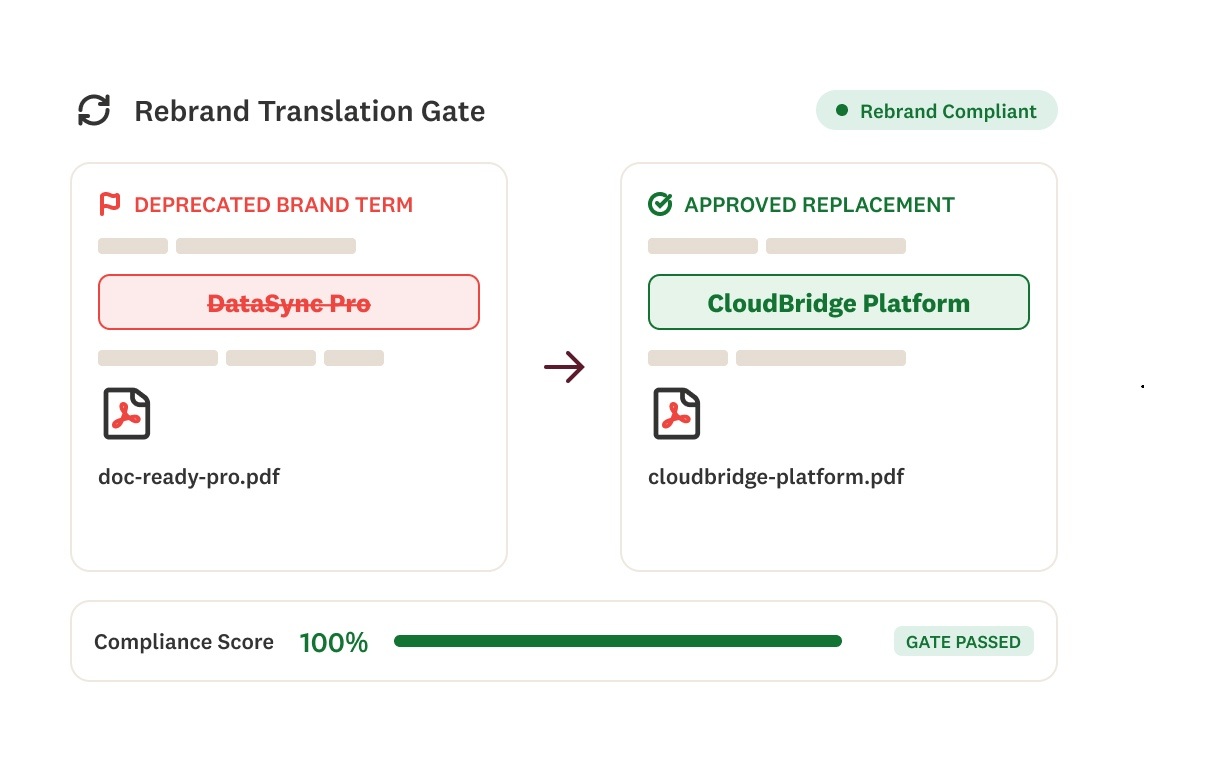
Nothing new publishes in the old voice
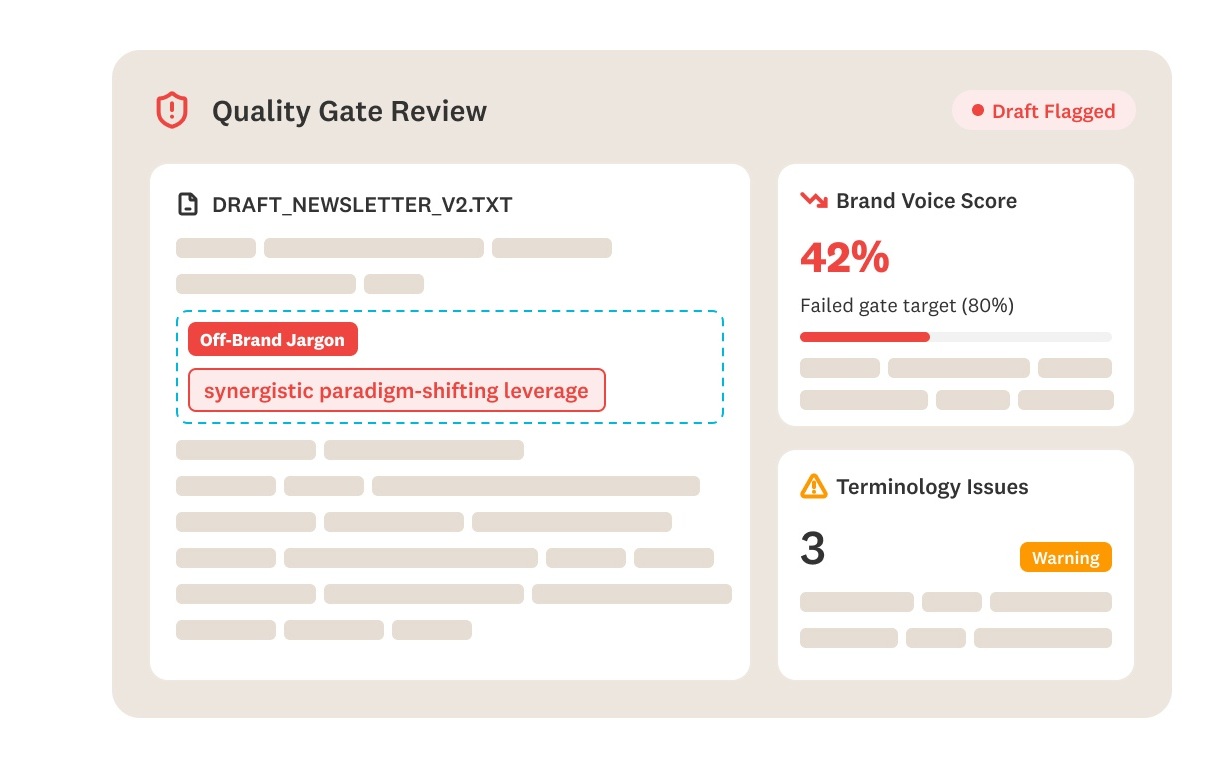
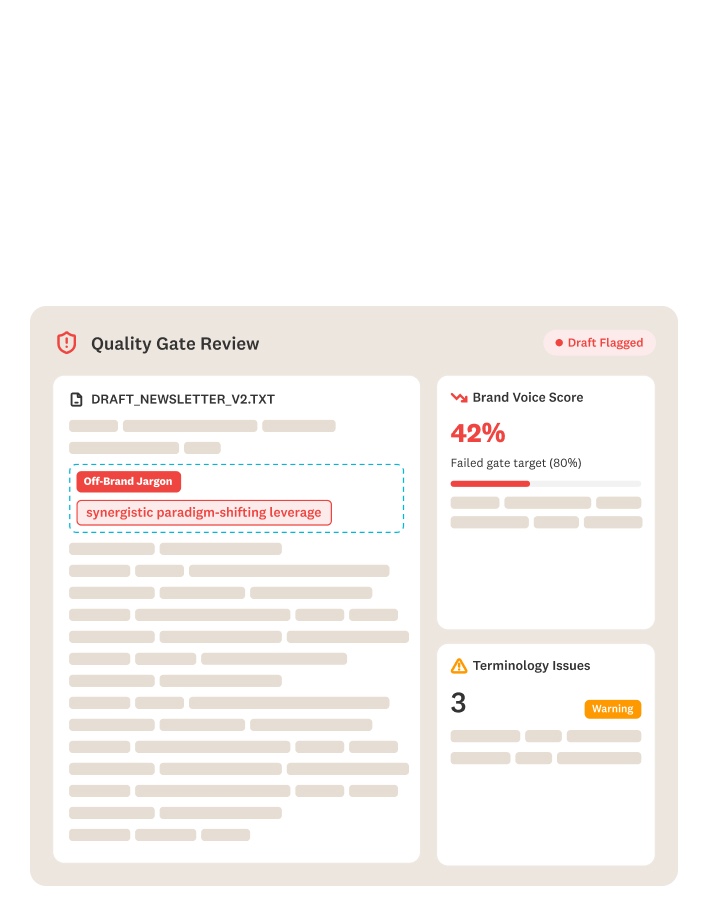
The backlog only shrinks if new content stops adding to it. Markup AI checks drafts at the point of writing and gates anything that doesn't clear your threshold, so nothing ships in the old voice after launch day.
HOW IT WORKS
Enforcement built into writing not bolted onto launch day.
Markup AI runs where your content already lives and gets created. Nothing new for writers to open, and no separate audit project to staff.

Connect Markup AI to your content and your writing tools
Google Docs, Word, your CMS, Claude, your docs repository, or your own pipeline through API or MCP.

Define what the new brand means
Upload your updated terminology, style guide, and voice standards, and mark what's been retired. Set the score every piece has to hit before it's eligible to publish.

Score the backlog, gate what's new
Markup AI scores existing content and prioritizes it for rewrite. Markup AI checks new content before it ships and measures it against the same standard, so you verify adoption instead of assuming it.
ROI Value Impact Calculator
A rebrand turns content cleanup into a line item. Estimate how much is saved by optimizing your publishing process.
Conservative Annual Savings
Frequently asked questions
Markup AI scans your existing content, scores it against your new standards, and generates rewrites. Whether those rewrites publish automatically depends on how you connect it — some teams push changes through their CMS integration, others route everything to editorial for approval first. You decide where the human sits.
That depends on your library size and how much is changing. What Markup AI removes is the discovery phase — you don't spend weeks working out which assets are affected and how badly, because the scan tells you on day one. The work becomes rewriting and reviewing rather than hunting.
That's the more common case. Partial rebrands are often harder to enforce than total ones, because writers assume most of what they know still applies. You define exactly what changed — a product name, a positioning line, a tone shift — and everything else stays as it is.
Yes, and it's one of the harder versions of the problem. You're merging two terminology sets, two voices, and two sets of compliance language into a single standard, then applying it to both content libraries. Markup AI gives you one definition to enforce and a score that shows how far each library is from it.
Find-and-replace catches the old name where it appears literally. It doesn't catch the sentence that describes your old positioning without naming it, the voice that no longer matches, the claim that's no longer accurate, or the asset sitting outside your CMS. Markup AI scores content against the full standard and rewrites what falls short.