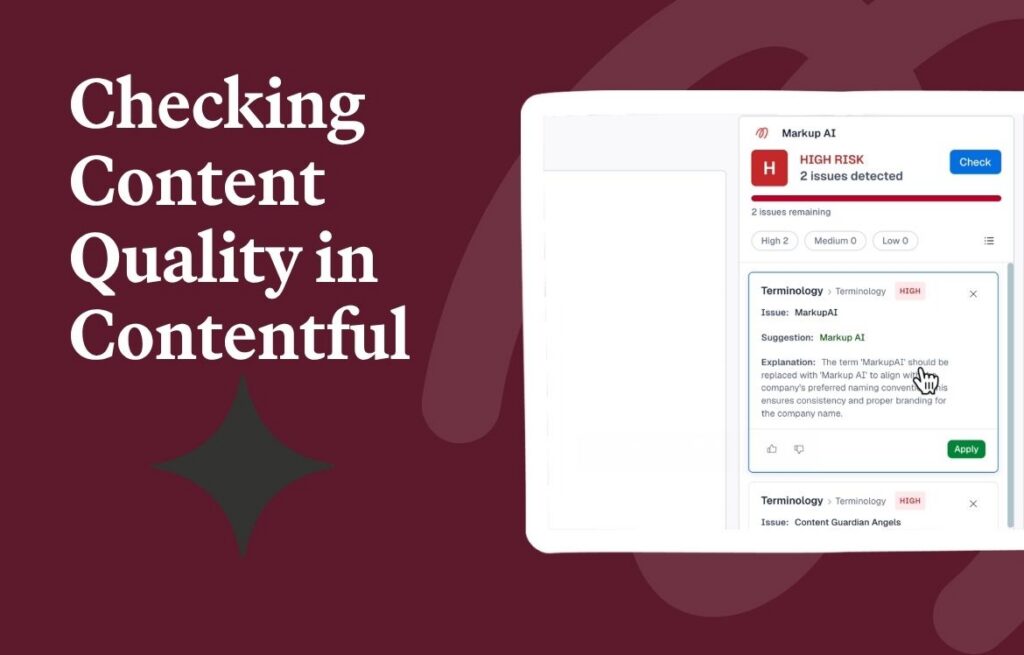
Getting Started with Markup AI: Complete Walkthrough & Setup Guide
Welcome to your Markup AI trial! In this tutorial, we will walk you through the essential steps to get your account fully configured and seamlessly integrated into your daily content workflow. From building your brand profile to automating agent checks in Claude Desktop, you’ll learn how to ensure your writing always meets your brand standards.
📌 What We Cover in This Video
Creating Your Brand Profile: Upload your style guides and favorite content examples to teach Markup AI your unique brand voice, values, and rules.
Google Docs & Chrome Integration: Install the Markup AI plugin to actively check, correct, and optimize your content right where you write.
Customizing Your Guardrails: Fine-tune your voice and tone, manage essential brand terminology, and build custom reader personas to test audience resonance.
AI Visibility & Integrity Checks: Ensure your content is cited correctly, avoids AI fluff, and is optimized to rank in AI search overviews.
Connecting to Claude Desktop: Learn how to link Markup AI to Claude using our custom MCP (Model Context Protocol) connector.
Automating with Claude Skills: Run consistent, multi-step content audits (like terminology, clarity, and voice drift checks) with a single chat command.
Environment Consistency: Discover how Markup AI delivers reliable, deterministic content scoring across Google Docs, Cursor, Claude Desktop, and the Command Line.
🔗 Helpful Links & Resources
Create Your Free Account
Get Support & Join the Community
Download Claude Skills Examples
Don’t forget to enable Performance Optimization Labs for access to our latest experimental agents!