
Get started with the Markup AI Chrome plugin.
Your team is producing more content than ever. Markup AI ensures every piece sounds like you — on-brand, high-quality, and ready for AI search — before it goes live.
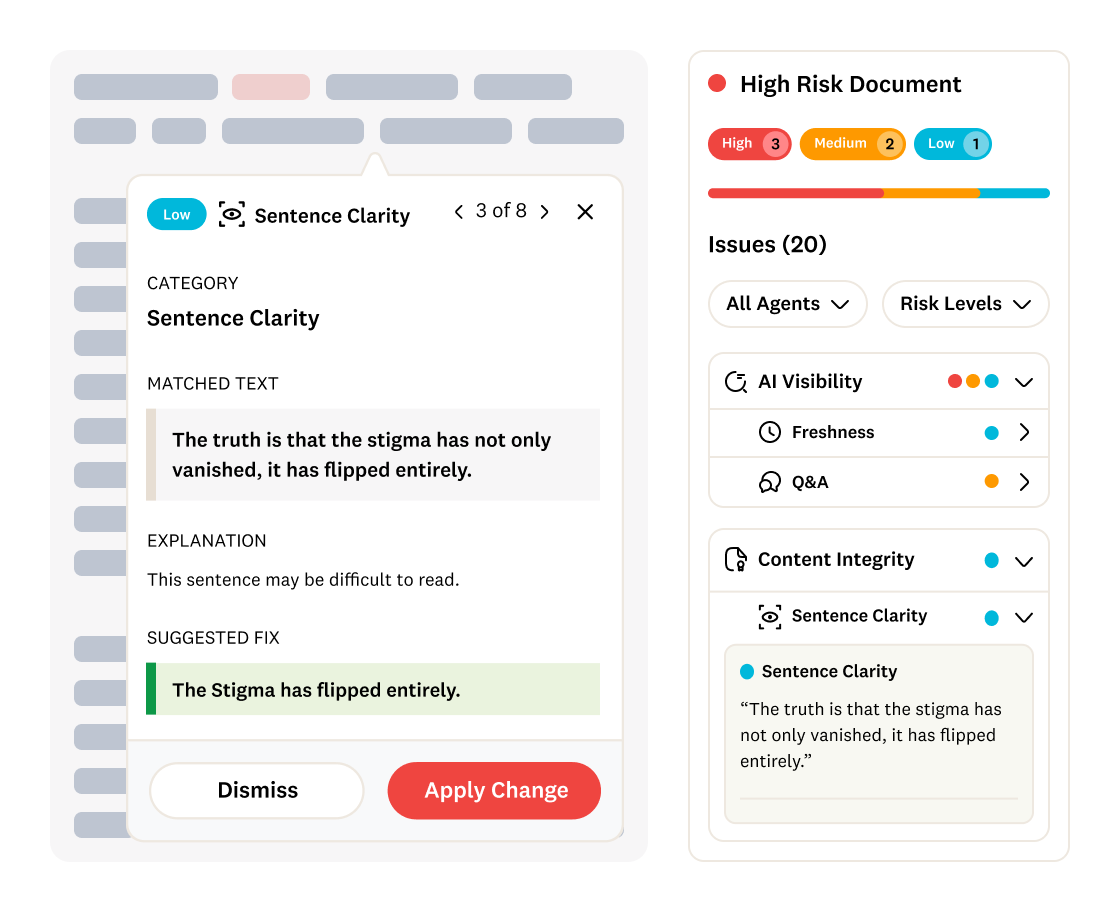
Get started in three easy steps
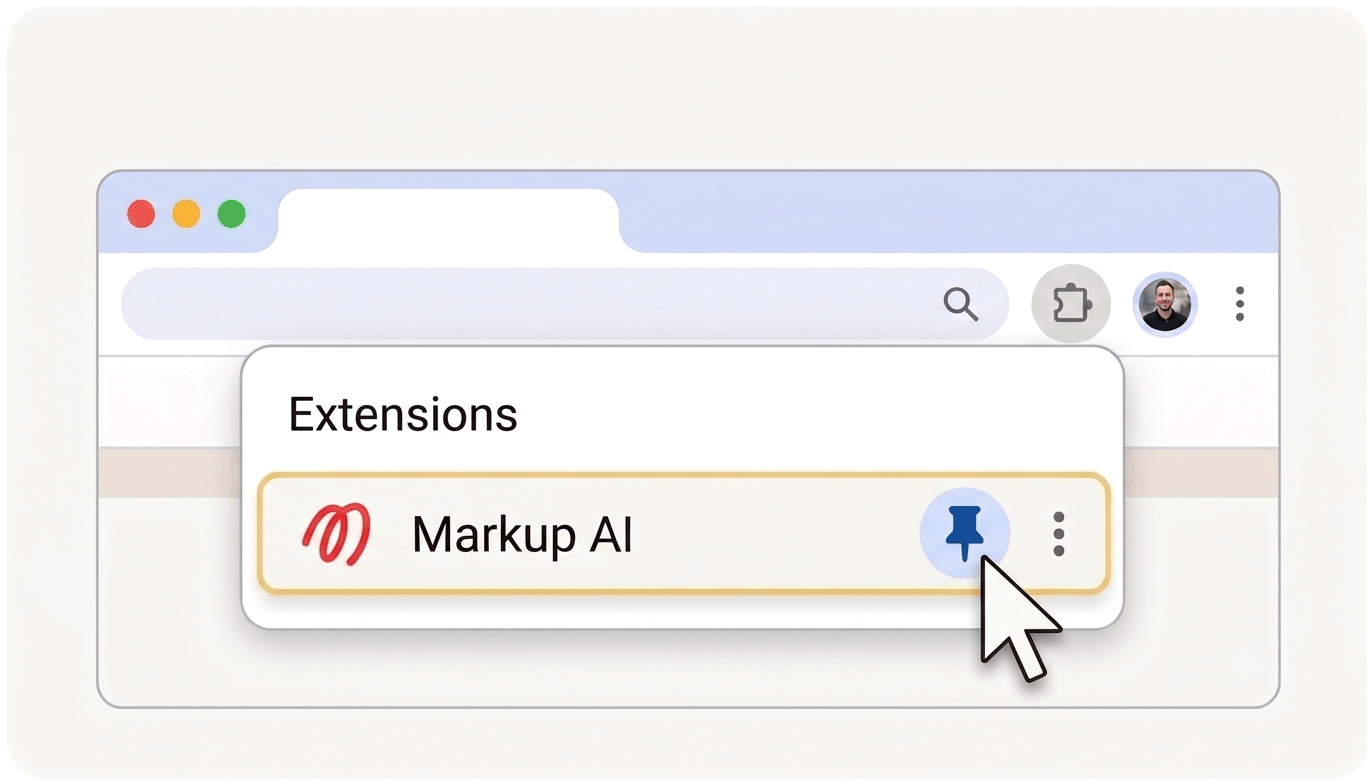
STEP 1
Pin Markup AI to your taskbar
Pin the Markup AI plugin to your taskbar to keep it easily accessible when editing your Google Docs.
STEP 2
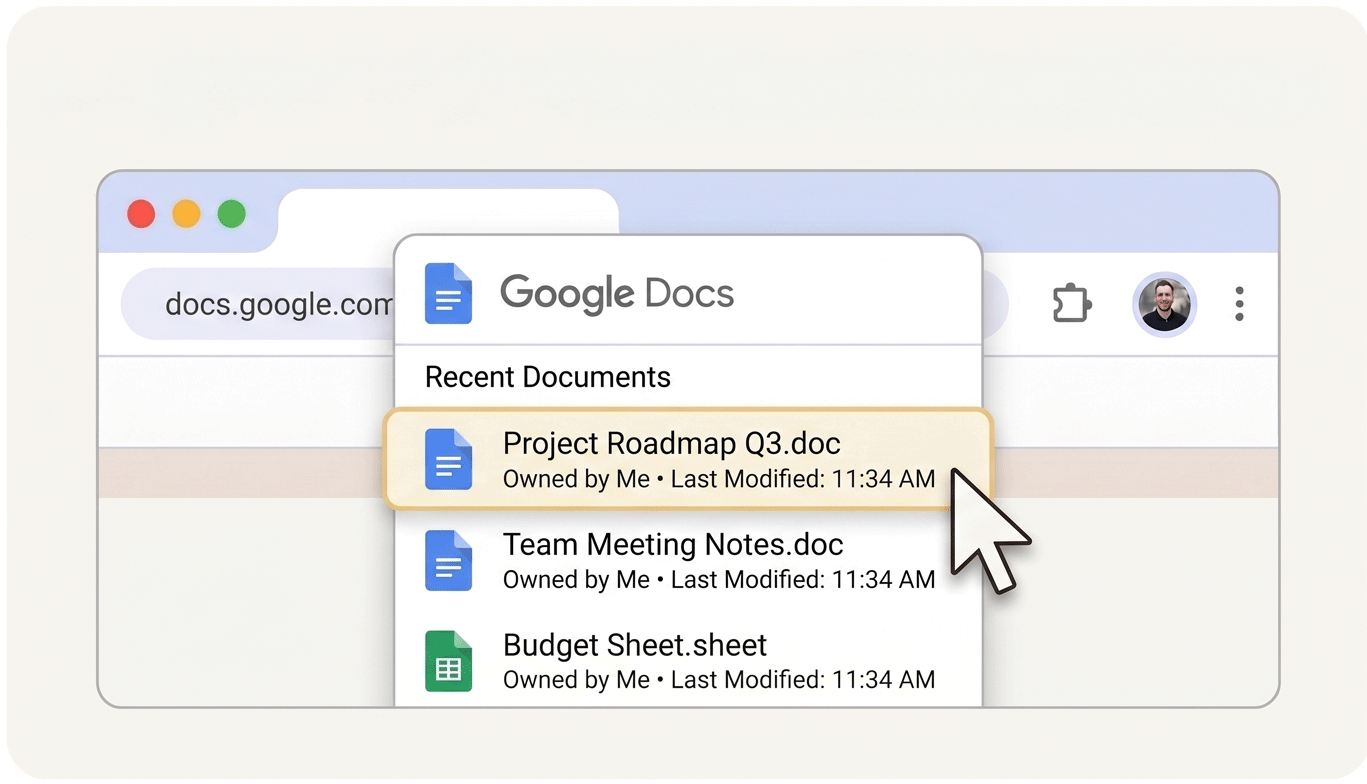
Open Google Docs
Open any Google Doc you have in your drive or any document you've been invited to edited.
STEP 3
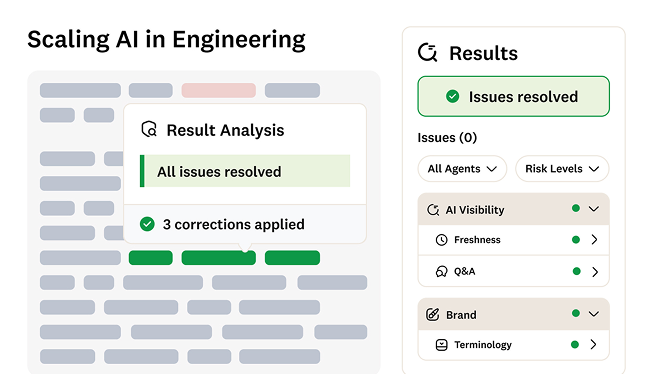
Check your content
Click the Markup AI icon to start checking content or upload your standards to Markup AI
WHAT IT DOES
One automated quality layer. Total confidence before hitting publish.
Markup AI sits between your content creation workflow and your CMS, scanning, scoring, and rewriting content against your brand voice, preferred terms, messaging standards, and AI visibility best practices. Before it goes live.

Brand drift
AI-generated content doesn't sound like you. Maintaining voice consistency across writers, contractors, and AI tools without automated enforcement is nearly impossible.

The manual cleanup tax
Someone has to edit every AI draft before it can go live. That eliminates the speed advantage AI was supposed to deliver.

AI visibility gaps
Content that isn't clear, authoritative, and structured for AI search won't get cited by AI systems. A manual AEO/GEO pass is now part of every publishing cycle.

Accuracy and compliance risk
Inaccurate claims, outdated statistics, and off-policy language create legal and reputational exposure. The fear of publishing something wrong is real — and paralyzing.

Tool sprawl
You're stitching together four to six tools to write, review, approve, and publish. There's no single quality gate, and every workflow is different.

Content debt
As more content is created, ongoing maintenance of that content increases. This is how you keep content published weeks, months, or years ago fresh and up to date.
HOW IT WORKS
Leave the days of vibes-based quality calls behind.
Markup AI integrates directly into your existing workflows. No new tools, no unnecessary disruption.

Connect your workflow
Markup AI integrates directly into Google Docs, Word, Contentful, and your existing content stack.

Set your standards
Upload your style guide, brand voice docs, and preferred terms. Markup AI trains on your standards, not generic ones.

Publish with confidence
Every piece is scanned, scored, and rewritten to meet your bar. You get from draft to publish-ready in a fraction of the time.
ROI Value Impact Calculator
Simply input your number of writers, working hours, and hourly rates to see how efficiency gains.
Our ROI calculator turns performance gains into projected annual savings, giving you a concrete, data-backed view of your opportunity.
Conservative Annual Savings